
Why Website Visitors Don't Convert: 5 Proven Fixes to Boost Your Sales
Discover the 5 most common reasons website visitors leave without converting — form friction, weak CTAs, missing trust signals, slow load times, and poor message match — plus actionable fixes for each.
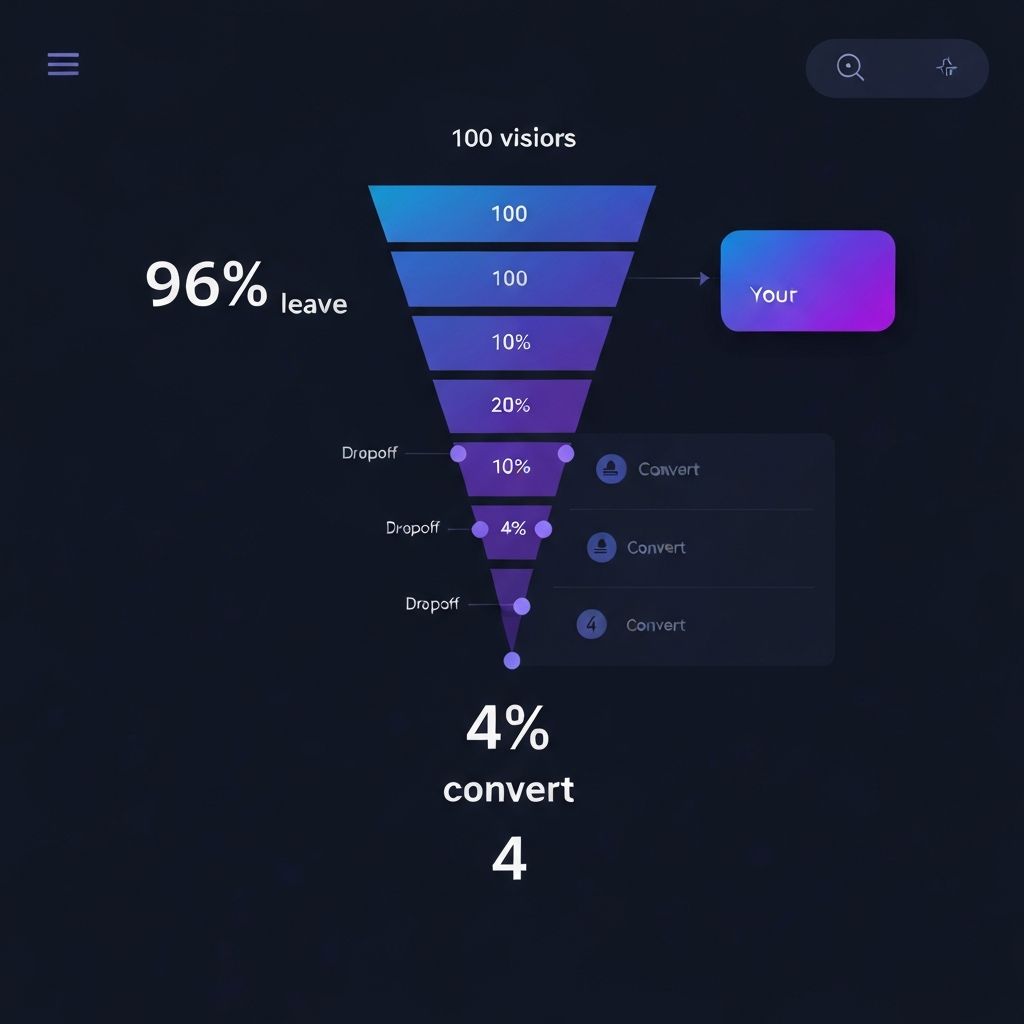
You have done the hard part. Your website is live, you are getting traffic, and people are finding you. But something is broken between arrival and purchase — and your analytics show it every day. Visitors land, scroll a little, then disappear.
You are not imagining it. Research consistently shows that 96% of first-time website visitors leave without taking any action. That is not a traffic problem — it is a conversion problem. And the good news is that conversion problems are fixable, once you know exactly what is causing them.
This article breaks down the five most common reasons visitors do not convert, with specific, actionable fixes for each one. Whether you run an e-commerce store, a SaaS product, a service business, or a local company — these issues affect sites of every type and size.
1. Form Friction: You Are Asking for Too Much, Too Soon
Every field you add to a form is a micro-decision you are forcing your visitor to make. Name. Email. Phone number. Company name. Job title. Budget range. Each one adds friction, creates hesitation, and increases the chance they close the tab instead of completing the form.
Reducing form fields from 4 to 3 can increase conversions by up to 50%. Reducing from 11 fields to 4 can increase conversions by over 120%. These are not marginal gains — they are business-changing results from a single change.
Most businesses build forms based on what they want from customers — not on what customers are willing to give at that stage of the relationship. A first-time visitor does not trust you yet. Asking for their phone number before they even know what you do is like asking for a home address on a first date.
The Fix
- Cut your primary lead capture form to 2–3 fields maximum — name and email is enough to start
- Move optional fields to a follow-up step after they have already committed
- Use progressive profiling — gather additional information across multiple interactions, not all at once
- Remove any field you do not absolutely need within the first 24 hours of the relationship
2. Weak CTAs: Your Buttons Do Not Tell Visitors What Happens Next
Your call-to-action is the single most important piece of copy on your page — the last thing someone reads before deciding whether to commit. And yet most websites use generic, meaningless button text like "Submit," "Click Here," or "Learn More" — phrases that say absolutely nothing about value.
A weak CTA creates uncertainty. When visitors are not sure what will happen after they click, they hesitate. When they hesitate, they leave. The button text needs to eliminate doubt entirely and tell people exactly what they are getting.
Strong CTAs That Convert
- Analyze My Website Free — States the benefit clearly
- Show Me What Is Broken — Reduces risk by clarifying what happens
- Get My Free Report Now — Creates urgency without being pushy
- Start Saving Conversions — Focuses on the outcome they want
Every strong CTA does one of three things: states the benefit clearly, reduces risk by clarifying what happens next, or creates urgency without being pushy. Test your CTAs using A/B testing tools — even a small improvement in click-through rate compounds into significant revenue over time.
Specific, benefit-driven CTAs consistently outperform generic ones by 2–3x.
3. Missing Trust Signals: Visitors Do Not Feel Safe Enough to Act
Trust is not automatic. When someone lands on your website for the first time, they know nothing about you. Without visible proof that you are legitimate, doubt fills that gap — and doubt prevents conversion. The Baymard Institute, which runs the world's largest e-commerce UX research program, has found that trust concerns are one of the top reasons for cart abandonment across all site types.
Trust Signals Every Website Needs Above the Fold
Customer Reviews — Real name + photo + specific result. Not just star ratings, but testimonials that tell a story.
Security Badges — SSL certificate icons and payment security logos placed near your buy button or form.
Social Proof Numbers — "Trusted by 4,200+ businesses" carries instant credibility when the count is real.
Critical rule: at least two or three trust signals should appear above the fold — in the visible portion of your page without scrolling. Most visitors will not scroll far enough to see trust signals buried at the bottom.
Additional Trust Signals That Work
- Money-back guarantee language close to your buy button
- Media mentions or press logos: "As seen in..."
- A physical address and phone number, even for digital-only businesses
- Case studies with specific, measurable results
- Third-party verification badges and certifications
Missing trust signals equal visitors leaving before scrolling past your headline.
4. Slow Page Speed: Every Extra Second Costs You Conversions
Page speed is a conversion issue, not just a technical one. Google's research shows that as page load time goes from one second to three seconds, the probability of a mobile user bouncing increases by 32%. From one second to five seconds, that probability jumps to 90%. And with Core Web Vitals now a Google ranking factor, a slow site does not just lose conversions — it loses organic search visibility too.
How Load Time Destroys Your Bounce Rate
| Load Time | Bounce Probability |
|---|---|
| 1 second | 9% baseline |
| 2 seconds | 22% |
| 3 seconds | 32% |
| 4 seconds | 55% |
| 5 seconds | 90% |
How to Diagnose and Fix It
- Run your site through Google PageSpeed Insights (free) — it shows mobile and desktop scores with specific recommendations
- Compress all images before uploading — tools like TinyPNG reduce file sizes by 70–80% without visible quality loss
- Remove or defer unused JavaScript and CSS — every unused plugin or script adds load time
- Use a content delivery network (CDN) to serve files from servers near each visitor
- Enable browser caching so returning visitors load your site faster
5. Poor Message Match: What You Promised Is Not What They Found
Message match describes the alignment between what your ad, email, social post, or search result promised — and what your landing page actually delivers. It is one of the most overlooked conversion problems, yet one of the most powerful fixes available.
Someone searches for "free website conversion analysis." They see your ad that says exactly that. They click. They land on your homepage — which talks generally about features, has a generic headline, and requires them to scroll through three sections before finding anything relevant. That disconnect creates instant confusion. Confused visitors do not convert. They bounce back to Google and click your competitor instead.
The Message Match Problem
Bad Match:
- Ad promises: "Free Website Conversion Analysis"
- Landing page says: "Welcome to Our Platform"
- Result: Visitor bounces immediately
Good Match:
- Ad promises: "Free Website Conversion Analysis"
- Landing page says: "Get Your Free Conversion Analysis"
- Result: Visitor converts
How to Fix Message Match
- Create dedicated landing pages for each major traffic source rather than sending all traffic to your homepage
- Mirror the exact language from your ad or email in the landing page headline
- Deliver the promised value immediately — if you promised a free analysis, it should be front and center within 3 seconds of landing
- Audit your top traffic sources in Google Analytics and check whether each lands on a page built for that specific visitor intent
Every traffic source should land on a page that directly continues the conversation.
Bonus: How to Find Which Problem Is Affecting Your Site Right Now
Every site is different. You might have one of these issues, all five, or a combination specific to your industry and audience. The fastest way to find out is to analyze your site systematically rather than guessing. Look at these metrics in your analytics platform:
- Bounce rate by page — pages with unusually high bounce rates have a specific problem worth investigating
- Form abandonment rate — look for which fields cause the most drop-off
- Scroll depth — if most visitors are not scrolling past the fold, everything below it is invisible
- Page speed scores per page — your homepage may be fast but a key landing page could be slow
The Bottom Line: Your Traffic Is Not the Problem
Getting visitors is not the hardest part of growing an online business — keeping them engaged long enough to convert is. The five issues we have covered — form friction, weak CTAs, missing trust signals, slow page speed, and poor message match — account for the vast majority of conversion losses across every type of website.
The most important thing you can do right now is stop guessing and start diagnosing. Look at your own site through the lens of each issue above. Better yet, get an objective analysis that points out exactly what is working and what is not.
Find Out What Is Costing You Conversions
Run a free analysis with a website analyzer tool and get actionable insights on your CTAs, trust signals, and form friction in under 10 seconds. The data does not lie — and once you know where the problems are, fixing them becomes straightforward.
Frequently Asked Questions
Why are visitors coming to my website but not buying?
The most common causes are form friction (too many fields), weak CTAs, missing trust signals, slow page load times, and a mismatch between your ad or search result and your landing page. Use a website analyzer tool to pinpoint which issues are affecting your specific site.
What is a good website conversion rate?
The average website conversion rate is 2–5%. Top-performing sites convert at 10% or above. If your rate is below 2%, there are likely specific friction points you can identify and fix. Even moving from 2% to 4% doubles your revenue from the same traffic.
How do I improve my website conversion rate for free?
Start by running a free website analysis. Focus on three quick wins: simplify your forms to 2–3 fields, rewrite your CTAs to be benefit-driven and specific, and add visible trust signals like reviews and security badges above the fold.
What are trust signals on a website?
Trust signals are elements that build visitor confidence and reduce buying hesitation. These include customer reviews with names and photos, security badges near payment areas, client logos, social proof numbers, money-back guarantees, media mentions, and a visible physical address or phone number.
How does page speed affect conversions?
Page speed has a direct, measurable impact on conversions. Google data shows that as load time increases from 1 second to 3 seconds, bounce probability increases by 32%. From 1 second to 5 seconds, it increases by 90%. Google PageSpeed Insights is a free tool that shows exactly what is slowing your site down.